
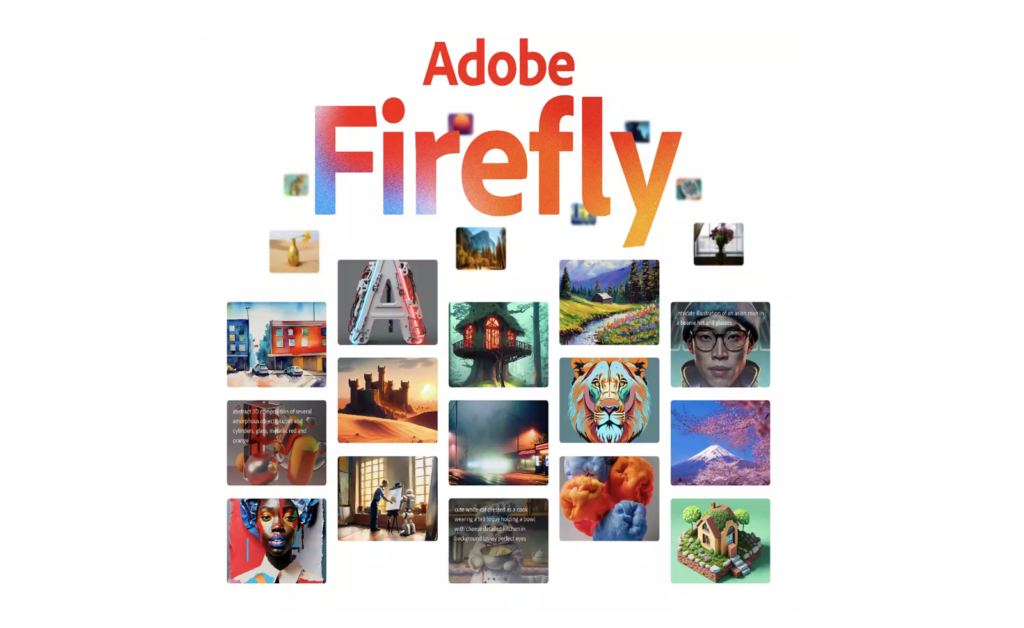
Are you looking for a new way to enhance your creativity and streamline your workflow? Look no further than Adobe Firefly, a family of generative AI-power content generator designed to assist artists, designers, and creators in their creative process.
So, what exactly is Adobe Firefly? At its core, Firefly is a content generator tool that uses natural language processing and machine learning to generate content such as digital images, photographs, illustrations, graphic designs, videos, marketing materials, social media posts, and even 3D models. By using everyday language to communicate with Firefly, users can generate high-quality content quickly and easily, allowing them to focus on more complex or creative aspects of their work.
How do you use Adobe Firefly?
Here are some steps to get you started:
- Choose your medium: Adobe Firefly is a content generator for a wide range of mediums, so the first step is to decide which medium you want to create for. This could be anything from digital images to 3D models.
- Communicate with Firefly: Once you’ve chosen your medium, use natural language to communicate with Firefly and give it the parameters for what you want to create. For example, if you want to create a digital image, you might say “Create a digital image of a sunset over the ocean with warm colors and a dreamy feel.”
- Refine and customize: Firefly will generate content based on your initial parameters, but you can refine and customize the content to your liking. For example, you might want to adjust the color scheme or add text to a graphic design.
- Export and use: Once you’re happy with the content, you can export it and use it in your creative work. This could mean adding it to a social media post or using it as the basis for a larger project.
Using Adobe Firefly can be a game-changer for artists, designers, and creators looking to enhance their creativity and streamline their workflow. By leveraging the power of generative AI, Firefly can help you create high-quality content quickly and easily, allowing you to focus on what you do best – being creative.
For more insights into Adobe Firefly and its benefits for your creative work, explore Adobe’s comprehensive resources. Access tutorials, articles, and videos to maximize the potential of this powerful tool.
So why not give Adobe Firefly a try? You might just be surprised at what you can create.
Resources
One of the main benefits of Adobe Firefly is that it can help streamline workflows and save time for creators. By using AI-generated content, creators can focus on more complex or creative aspects of their work. In addition, Adobe Firefly sparks inspiration and offers fresh ideas to creators facing creative block or seeking inspiration.
Adobe is dedicated to responsible development of Adobe Firefly, ensuring transparency and accountability in generative AI. They take steps to ensure ethical use aligned with user needs, providing resources and guidelines for responsible utilization.
Overall, Adobe Firefly has the potential to be a valuable tool for artists, designers, and creators looking to enhance their creative process and streamline their workflows. As with any AI technology, it’s important to use it responsibly and with consideration for the potential impact on the industry and society as a whole.